
Every screen from the firmware: designing SolveBlock's interface
A normal solve costs zero input, the coach stays quiet most of the time, and there's no scramble generator on purpose. The interface decisions behind SolveBlock, shown in the device's own screens.
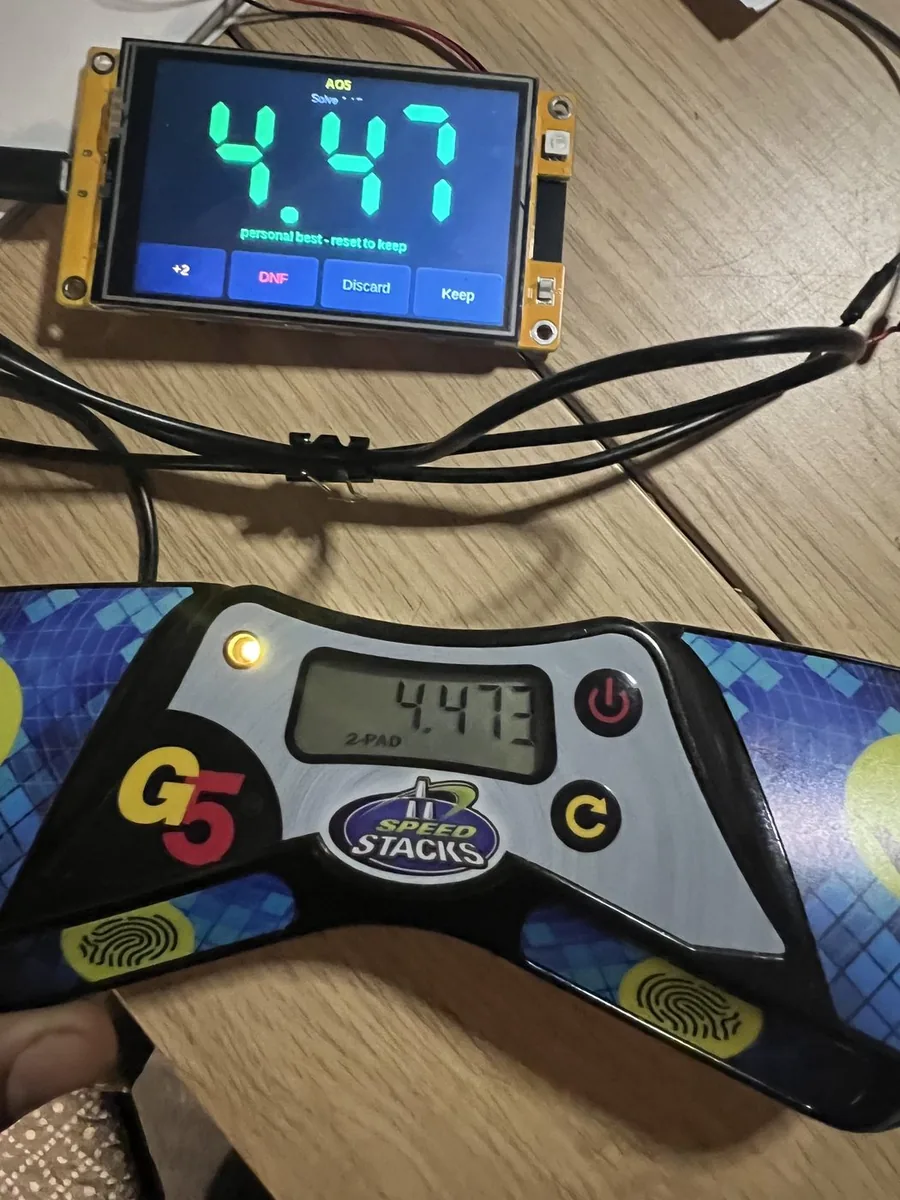
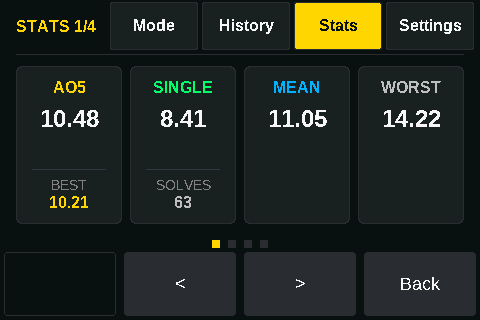
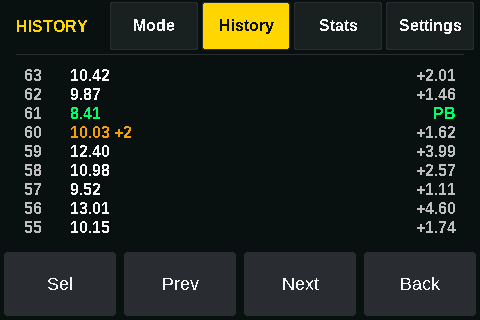
Every image in this note is drawn by the same code that runs on SolveBlock — same layout, same font, same palette. They're not mockups. (The times in them are examples, not anyone's session.)
The device does one job: sit beside a StackMat timer and keep the session — WCA-correct averages, personal bests, penalties, history and trends — with no phone, no account and no Wi-Fi. Every feature had to answer one question before it was built: does this help a cuber solve faster?
A normal solve costs zero input
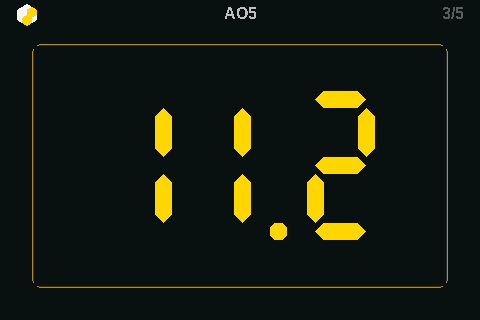
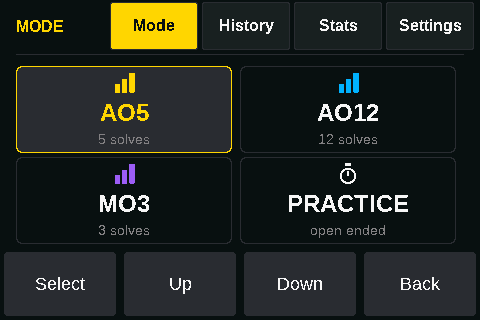
The most important interaction is the one that doesn't happen. The timer's reset signal is also SolveBlock's "keep and next" command: solve, reset, solve. You only touch the screen when something unusual happened — a +2, a DNF, a misscramble to discard.
That one decision removed a whole class of problems. There's no "did I press save?", no lost solve because a phone locked, and no hand movement between solves that isn't already part of a cuber's routine.
The timer stays the boss
SolveBlock never generates an official time. It reads what the timer reports and records it the way the rulebook does — singles truncated to the hundredth, averages computed from those and rounded once. I wrote about that in The timer is the source of truth.
Two charts no timer draws
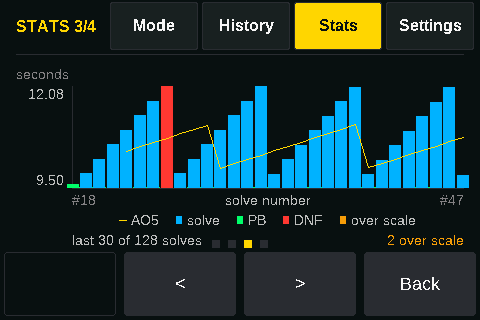
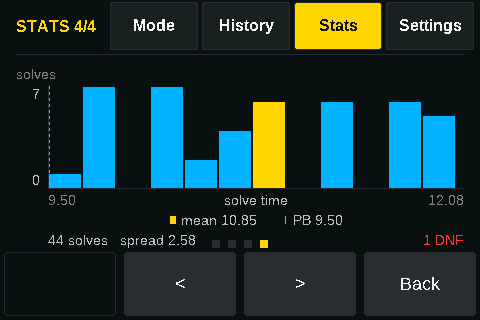
Trend answers am I getting faster? — solves across, time up, the running average drawn over the top. Spread answers am I consistent? — a histogram of solve times. A tight cluster says train technique. A long right-hand tail says lockups are the problem. They're different practice plans, and a single average hides the difference.
A coach that never interrupts
There are about fifty short, hand-written lines — "New AO5 PB!", "Consistency improving.", "Take a short break." The rule is that the coach speaks when it has something to say and stays silent otherwise, which is most of the time. A cuber mid-session doesn't want encouragement every solve; they want to notice when something actually changed.
It refuses to guess
There's no scramble generator — and there will never be a random-move one. The WCA uses random-state scrambles, and a scramble that's only nearly official is worse than none on a device whose whole promise is correctness. Doing it properly is on the roadmap. Doing it approximately isn't.
An absent feature is a gap you can fill. A subtly wrong one is a trap you can't see.
That sentence ended up guiding the whole product: offline because a cloud dependency is a failure mode, and settings kept small, because a setting that does nothing is worse than no setting at all.
Fast where it matters
It boots in under two seconds, and the timer never flickers: a running solve redraws only the digits that changed. On a small microcontroller driving a display, partial redraw is the difference between a number that looks solid and one that shimmers under your eyes while you're trying to stop the clock.
AI in the workshop, not in the box
AI agents helped build SolveBlock — generating enclosure geometry, checking the timer-signal decode against the protocol and real hardware, and running thousands of automated checks on the averaging engine. None of it ships in the device. What ships is a quiet, deterministic appliance, and every coaching line it can show was written by a person.
More at solveblock.co.
Some links in these notes are affiliate links. If you buy through one, I may earn a commission at no extra cost to you. I only link to tools I use or would recommend.